
Your data belongs to you
Export everything at any time, without restriction, in open formats (CSV, JSON, PDF). Hosting in your country available depending on your regulations.
Campus platform
Guided demo by appointment
Demonstration environment · fictional data
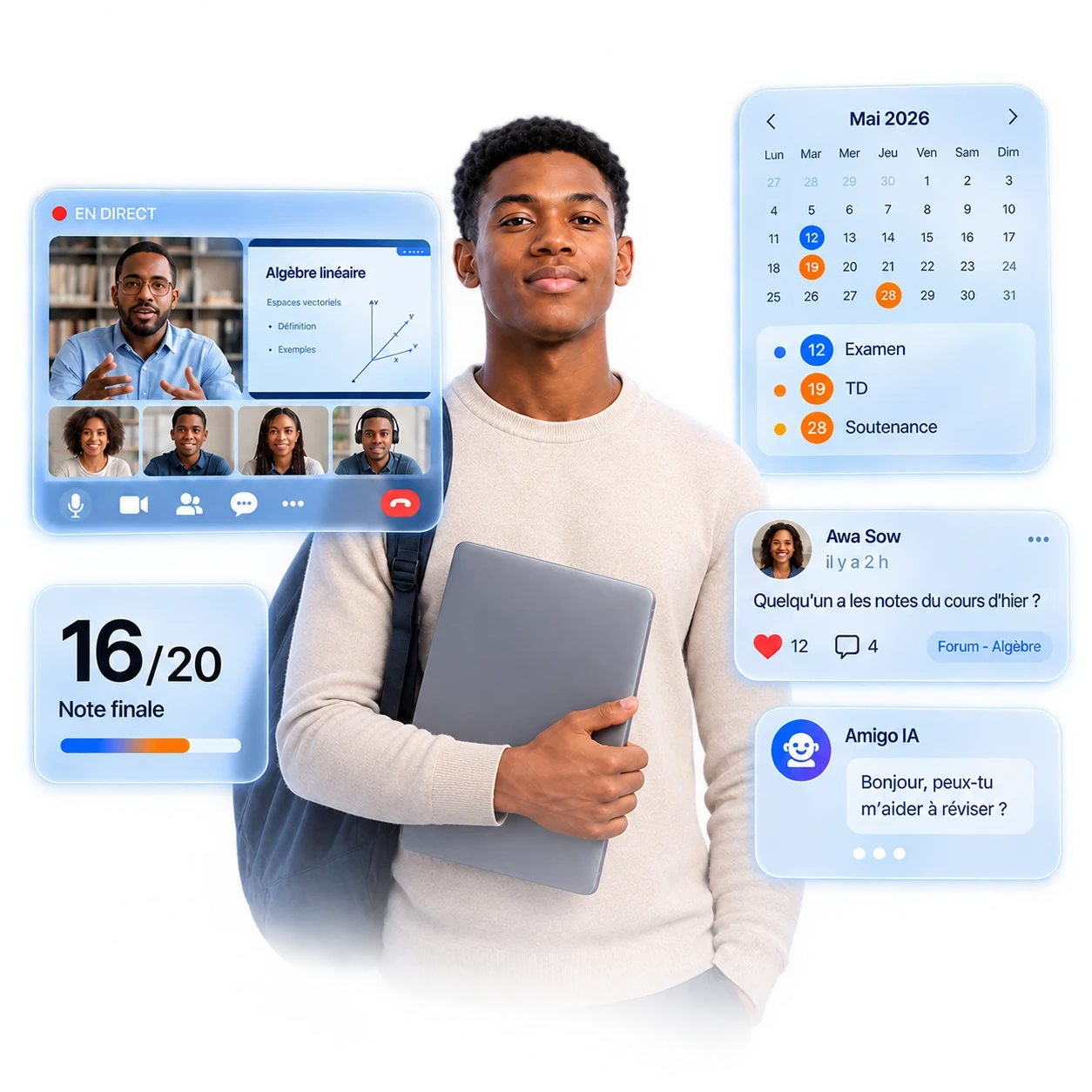
The administration creates a class. Nobody recreates it elsewhere: every user finds it in their own space, according to their permissions.
eCampus Pilot
Administration creates a class
Programme, teacher, students, time slots
eCampus Learning
The teacher finds it waiting
Courses, assignments and assessments, ready to fill
eCampus Learning
The supervisor has the roll call
Attendance and late arrivals, from the first session
eCampus
The student sees the course
Course feed and calendar already up to date
eCampus Pilot
The figures update
Headcount, teaching load, attendance rate
Not one of these steps asks for a second entry. Amigo runs across the three experiences and answers each person only on the data their role grants them.
eCampus Learning and eCampus Pilot name the experiences dedicated to each role inside the platform. Their desktop clients, installable on the institution's machines, arrive with the pilot cohort.
Courses, communication, administration and the AI assistant share the same data: a class, a grade or a permission entered once is reused everywhere.
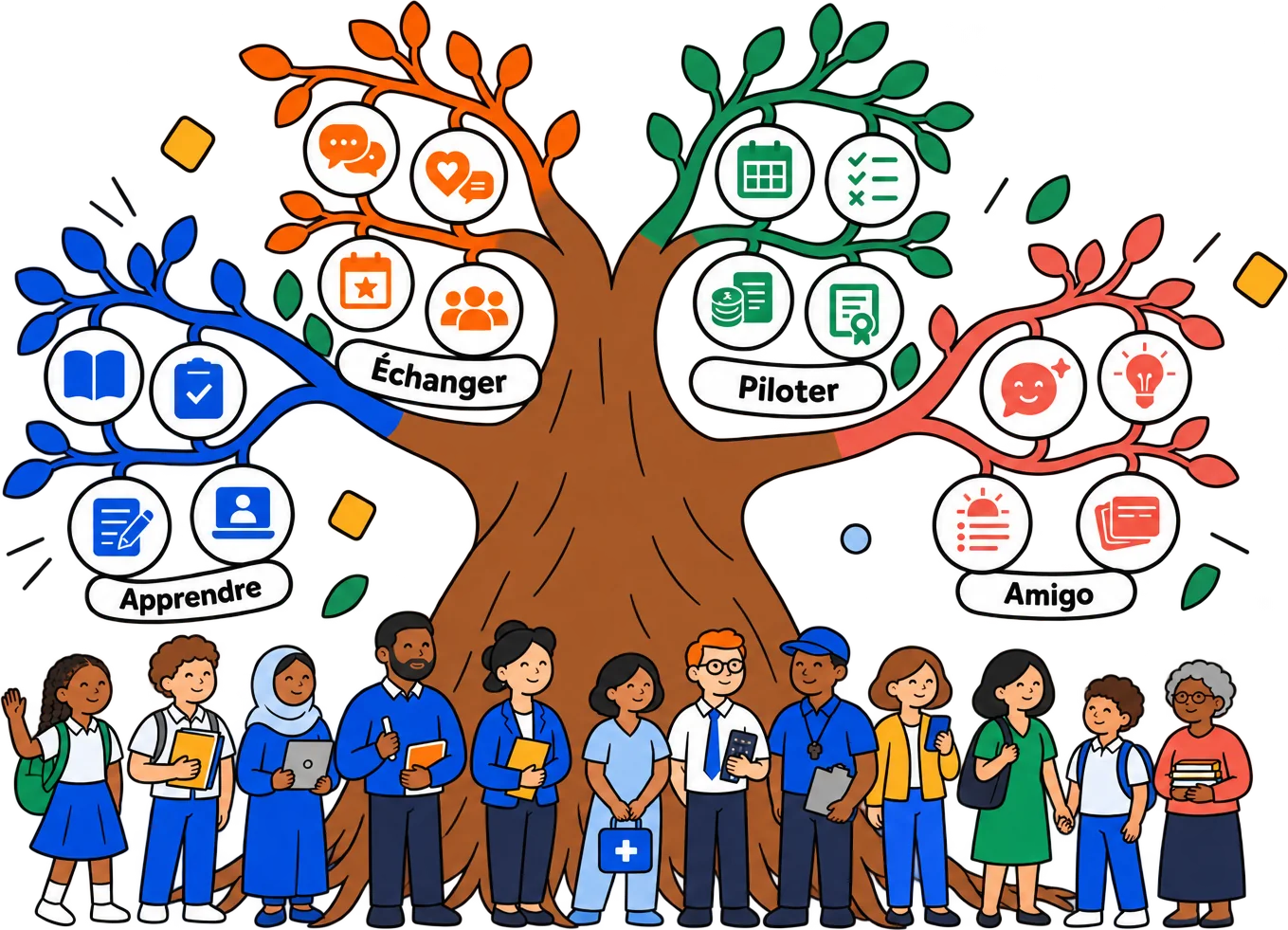




Most market solutions cover only one pillar. Teams then move from one tool to another and re-enter the same information. eCampus covers all four.
| Solution | LMS | Social network | Leadership | AI |
|---|---|---|---|---|
| Traditional LMS | Couvert | Non couvert | Partiellement couvert | Non couvert |
| Collaboration tool | Non couvert | Couvert | Non couvert | Non couvert |
| School ERP | Non couvert | Non couvert | Couvert | Non couvert |
| Generic AI assistant | Non couvert | Non couvert | Non couvert | Couvert |
| eCampus | Couvert | Couvert | Couvert | Couvert |
Illustrative comparison based on dominant categories of education tools, not on named products.

The fourth pillar. Amigo reads courses, grades, attendance, invoices and the calendar, within each user's permissions. It answers on the institution's facts, prepares repetitive tasks and leaves the final call to you.
Typical conversation
Student
What do I have to do today?
Amigo
Two classes: Algorithmics at 8 am, Networks at 2 pm. A maths assignment due before 6 pm. A tuition invoice falls due on Friday.
Amigo reads institution data according to the signed-in user's permissions. It never acts alone: every action waits for confirmation and stays on record.
Students ask for their homework and average, teachers for the papers left to grade, supervisors for absences to handle, parents for their child's week, leadership for unpaid invoices. Everyone only sees what their role allows.
Sending a message, justifying an absence, grading a paper: Amigo prepares the action, shows it plainly and waits for your confirmation. Every executed action is logged.
Summaries, study sheets and quizzes generated from the courses the teacher published, plus a morning briefing on the actual day: classes, homework, deadlines.
Pillar IV · available from any screen, via the floating button or Cmd + J
eCampus provides eight role templates: leadership, administration, secretariat, accounting, supervision, teacher, student, parent. A school can use them as they are or create its own roles from them, for example a deputy head or a part-time teacher, choosing each one's permissions and scope. Every user only accesses what their role allows.
See the role templates





The eight starting templates
Setup takes about two weeks, in three steps.
Day 1–2
Your logo, your colours, your classes, your calendar and your team's roles. A school group can bring several schools together.
Week 1
Students, teachers, classes and history, taken from your Excel files or your current software. You check everything before going live.
Week 2
One training session for staff (2 h), one for teachers (1 h), one for administration (1 h 30). Then you start, with our team by your side for the first session.

For each, we publish the exact scope, the modalities and the compliance schedule. Commitments are part of the service contract.
Export everything at any time, without restriction, in open formats (CSV, JSON, PDF). Hosting in your country available depending on your regulations.
RGAA 4.1 compliance targeted for commercial launch. Independent accessibility audit published on this page.
A public price per enrolled student, decreasing with volume, published at commercial launch. No module sold separately.
Security, performance and accessibility audited every year by a third-party firm. Summary published in Resources.

The institutions in the first cohort get free access to the platform.
Launch cohort
We work hand in hand with three to five institutions for a complete deployment. The platform is free for the pilot, with a direct line to the product team and priority features co-designed with you. Open to middle schools, high schools and universities.
The platform is free for cohort institutions, with no per-module licence and no hidden cost on the server side, AI or storage. Public pricing only arrives at commercial opening.
No anonymous call centre. Your feedback goes straight to the people building the platform.
The modules built first are the ones the cohort asks for. Your voice shapes what we build next.
Limited spots · case-by-case selection.
Write to us directly. We reply within 48 working hours in French or English.
Contact usTwo weeks in general: setting up the school (days 1 and 2), bringing your data over from Excel or your current software (week 1), training and going live (week 2). For a group of several schools, allow one more week per school.
The mobile app keeps working offline for courses, lessons and PDFs already downloaded. Assignment submissions queue locally and ship automatically when the network is back. Leadership can consult dashboards from local cache.
Amigo reads your school's data (courses, grades, attendance, invoices) within the signed-in person's permissions. It never produces an official grade, payment or assessment: it helps understand, suggests and prepares. Configurable per school, and can be turned off.
Yes. Logo, primary colors, typefaces, academic calendar, diploma mentions, official signatures: everything is configurable per institution. Transcripts and certificates picked up your visual identity.
Pricing is per enrolled student, with volume discounts. No hidden cost on the server side, AI, online payments or storage. Monthly billing for the start, annual commitment from year two. No per-module licensing: everything is included.
A 30-minute session with the product team, on two demonstration institutions and all their roles. Examples are tailored to your context.
Slots open to secondary schools and universities · pilot cohort applications open.